What an Apple Watch Hypertension Alert Means, and What Silence Means
An Apple Watch hypertension notification is a screening prompt, not a blood pressure reading. The watch studies data from its optical heart sensor in 30-day periods and alerts you only if it finds patterns linked to high blood pressure. Silence does not mean your pressure is normal, because Apple says not everyone with hypertension gets a notification.
If an alert does arrive, the next step is 7 days of readings with a cuff. That puts the earliest point at which you have real numbers for a doctor about five weeks after you switch the feature on.
That timing surprises people. The feature is slow by design, and the useful part of it starts after the alert.
Who Can Turn the Feature On
Apple lists the requirements on its hypertension notifications support page. You need to be 22 or older, not pregnant, and not already diagnosed with hypertension. An active pregnancy logged in the Health app blocks the setting.
The hardware list is short. You need an Apple Watch Series 9 or later, or an Ultra 2 or later, with the latest watchOS, paired to an iPhone 11 or later on the latest iOS. Apple Watch SE is not supported. Wrist Detection has to stay on, since the readings mean little if the watch cannot tell it is on your arm.
Availability also depends on where you live. Apple says the feature may not be available on Series 12 or Ultra 4 in some regions, and it points to its feature availability page rather than listing countries. Check that page before you buy a watch mainly for this.
Five Weeks From Setup to Numbers You Can Use
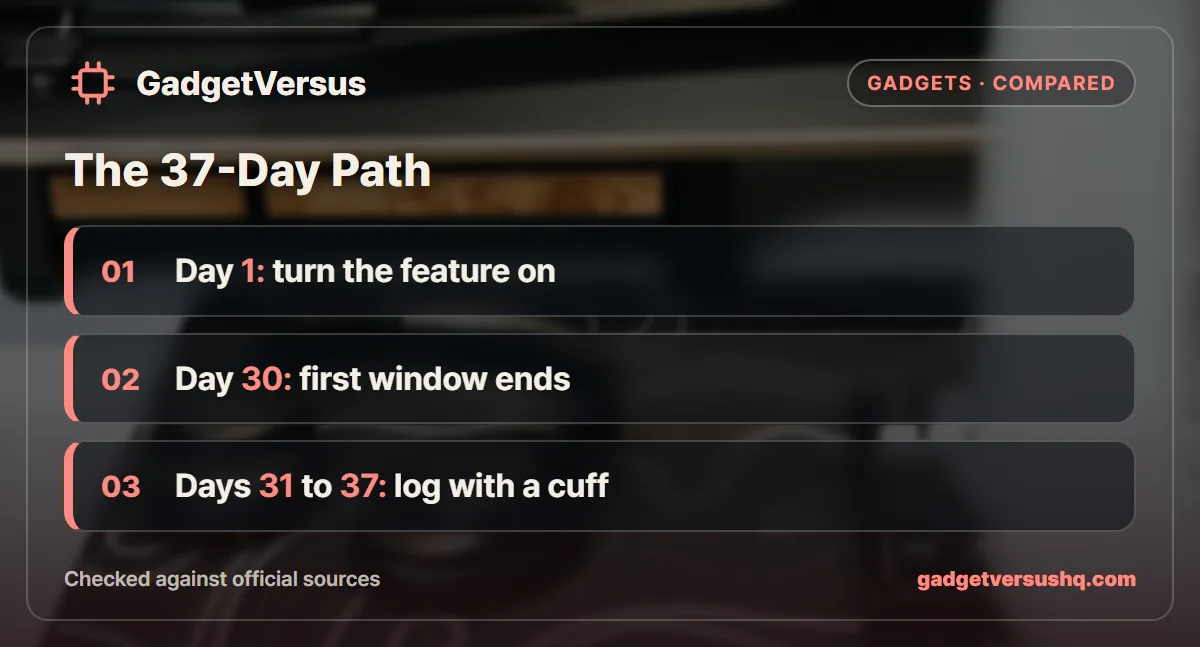
Apple says the evaluation periods last 30 days and start on the day you set the feature up. Put dates on that and the timeline looks like this, using a setup on November 21, 2026 as the example:
- Day 1, November 21: you turn the feature on.
- Day 30, December 20: the first 30-day period ends. This is the first point at which a month of data has been reviewed.
- Days 31 to 37, December 21 to 27: if an alert arrived, you log your blood pressure with a cuff for 7 days, as Apple advises.
- Day 38, December 28 onward: you have a week of readings to take to an appointment.
So the shortest path from switching it on to a useful conversation with a doctor is 37 days, a little over five weeks. Over a full year of wear, the watch runs 365 ÷ 30, about 12 complete periods, which means about 12 chances for a pattern to show up.
The slow window is a deliberate trade. One stressful afternoon or a strong coffee cannot set it off, because the watch is looking for something that persists across weeks.
What a Month of Silence Does Not Tell You
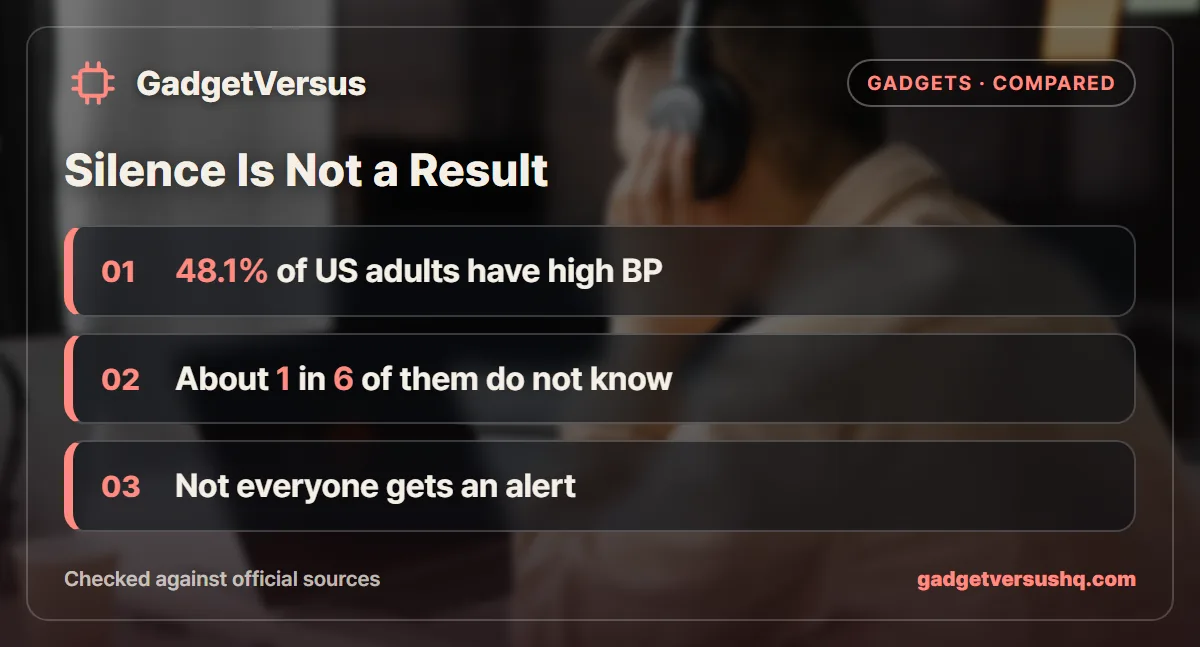
Most people who set this up will hear nothing, and it is tempting to read that as a clean bill of health. Apple’s own wording rules that out: not all people with hypertension receive a notification.
The scale of the problem is why that matters. The CDC reports that 48.1% of US adults have high blood pressure, about 119.9 million people, based on NHANES data from 2017 to March 2020. It also says about 1 in 6 adults with high blood pressure is unaware of it.
Run those two figures together. One sixth of 119.9 million is about 20 million American adults who have high blood pressure and do not know it. In a room of 12 adults, that is roughly 6 with high blood pressure and 1 who has no idea. The watch is aimed at that one person, but it will not catch every one of them.
A silent watch is the absence of one signal from one sensor. If you have a family history, symptoms, or a doctor who has asked you to monitor, keep using a cuff on the schedule you were given.
What to Do in the Week After an Alert
An alert means the watch found patterns related to hypertension in the most recent 30 days of data. Apple then suggests two things: talk to a healthcare professional, and set up a Blood Pressure Log in the Health app while you measure with a third-party cuff for 7 days.
That week of readings is the real output of the feature. The watch cannot give a doctor a systolic or diastolic number, and a cuff can. Apple is explicit that the feature is not intended to diagnose, treat or help manage hypertension.
Keep the readings honest. Measure at the times your cuff’s instructions or your doctor recommend, and log every reading rather than only the good ones.
One more limit is worth knowing before you rely on the watch for heart warnings in general. Apple states that Apple Watch cannot detect heart attacks. Chest pain or other emergency symptoms need emergency care, whatever the watch says.
How Apple Built It and What It Expects
Apple’s October 2025 announcement says Apple trained the algorithm on data from multiple studies totalling over 100,000 participants. It then validated it in a clinical study of over 2,000. Apple expects the feature to notify over 1 million people with undiagnosed hypertension within its first year.
Set that against the CDC estimate and the feature’s place becomes clearer. Apple’s 1 million is a worldwide first-year estimate, while the CDC’s roughly 20 million unaware adults is for the US alone. Even a feature that reaches a million people leaves most undiagnosed cases to the old method, which is a cuff and a regular check.
Apple Watch has two other screening alerts that work on a similar long-window idea. The sleep apnea notification looks across nights of breathing data, and our guide to ECG readings versus irregular rhythm alerts explains how the heart rhythm features differ. None of the three gives a diagnosis, and all three are most useful as the reason you book a proper check.
Sources
- Apple Support: Hypertension notifications on your Apple Watch — checked 2026-11-21
- Apple Newsroom: Hypertension notifications available today on Apple Watch — checked 2026-11-21
- CDC: High Blood Pressure Facts — checked 2026-11-21
Some links may be affiliate links. We may earn a commission at no extra cost to you.
How this article was made: it was drafted with AI assistance from the official sources listed above, and its figures were checked against those pages on the dates shown. It is not based on personal hands-on testing.
Comments
Post a Comment