Why an Apple Watch Will Not Pair With an Android Phone
No, and the Lock Runs Both Ways
An Apple Watch cannot be used with an Android phone. Apple sets up and updates the watch through the Watch app on an iPhone, and its setup page lists an iPhone 11 or later for current models.
The same wall exists from the other side. Google says iPhones are not supported on Pixel Watch, and Samsung says its Galaxy Watch4 through Watch8 series need Android.
If you own one phone and might switch, buy a watch whose companion app runs on both. That choice matters more than any feature list.
Why an Apple Watch Needs an iPhone
An Apple Watch is not a standalone device during setup. The pairing, the first software install and every later watchOS update all go through an iPhone.
Apple spells out the phone it expects. Its setup page says Apple Watch SE 3 needs an iPhone 11 or later with iOS 26 or later.
The newest models raise the bar again. Apple lists Series 12 and Ultra 4 as needing an iPhone 11 or later with iOS 27 or later.
Updates follow the same path. Apple says updating to watchOS 27 requires an iPhone 11 or later, or an iPhone SE (2nd generation) or later, with iOS 27, and the watch should have at least 50% charge first.
What Breaks if You Switch to Android Anyway
The watch keeps telling time, and little else improves from there. Notifications, messages and app sync all depend on the paired iPhone.
Software updates stop being possible. Because updates install through the iPhone, an Apple Watch with no iPhone slowly falls behind on watchOS.
Health data becomes awkward too. The history lives in the Apple ecosystem, and an Android phone has no app that can read it from the watch.
Some people keep an old iPhone at home as a bridge. That works for setup and updates, but it means carrying two phones for the watch to feel normal.
Workarounds That Do Not Hold Up
Search results are full of claimed fixes. Most fall into three groups, and none changes the setup requirement.
The first is a Bluetooth pairing from Android settings. A phone may see the watch as a nearby device, but the watch only completes setup through the Watch app on an iPhone.
The second is a third-party bridge app. These can sometimes pass along a notification, yet they cannot install watchOS updates or replace the iPhone during setup.
The third is resetting the watch and starting again. A reset simply returns the watch to the same setup screen, which still asks for an iPhone.
The honest summary is short. If a fix sounds too good, check whether it survives the next watchOS update, because updates still need the iPhone.
Pixel and Galaxy Watches Lock in the Other Direction
Google is blunt about the Pixel Watch. Its compatibility page says simply that iPhones are not supported.
Each generation also needs a minimum Android version. Google lists Android 8.0 for the first Pixel Watch, rising to Android 12.0 for the Pixel Watch 5.
Samsung explains its reason. Galaxy Watch4 and later models rely on Google Play services, which are not supported on iOS.
Samsung also sets memory limits on the phone side. The Galaxy Watch8 needs Android 12.0 or higher and at least 1.5 GB of RAM, and the Watch9 and Ultra2 need Android 13.0 with the same 1.5 GB.
Which Watches Pair With Which Phones
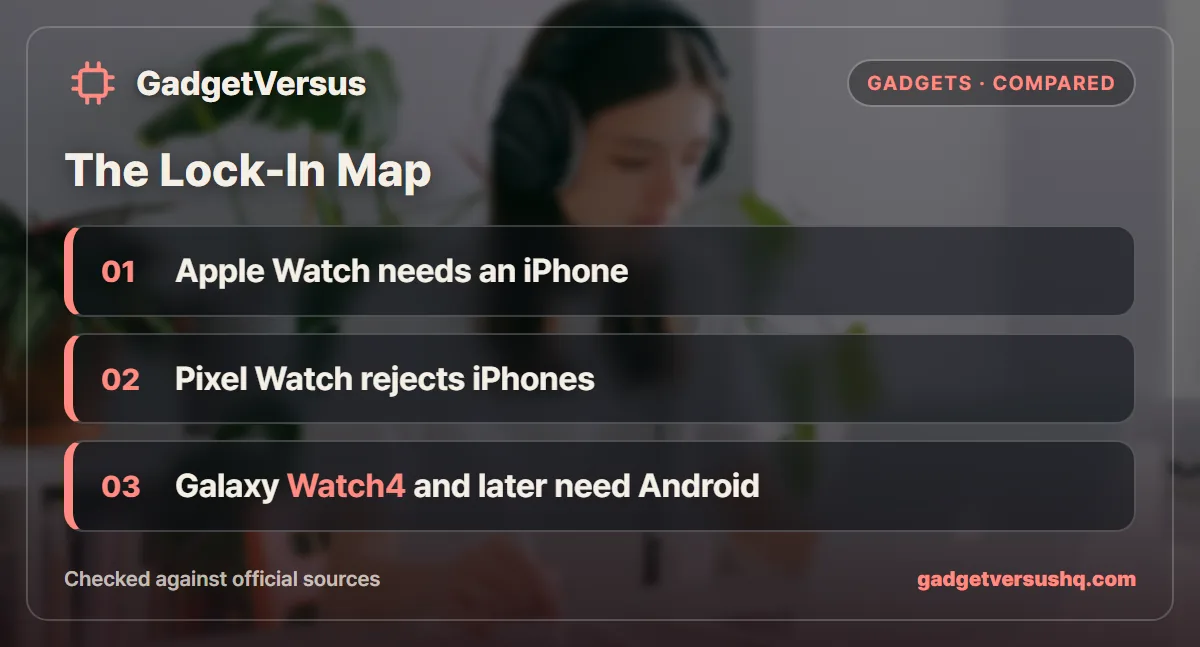
The table pulls the vendor statements together, as of November 2026. Requirements change with each release, so check the vendor page for the exact model you want.
| Watch | Works with iPhone | Works with Android | Phone requirement stated by the vendor |
|---|---|---|---|
| Apple Watch SE 3 | Yes | No | iPhone 11 or later, iOS 26 or later |
| Apple Watch Series 12, Ultra 4 | Yes | No | iPhone 11 or later, iOS 27 or later |
| Google Pixel Watch 5 | No | Yes | Android 12.0 or newer |
| Google Pixel Watch 4 | No | Yes | Android 11.0 or newer |
| Samsung Galaxy Watch8 | No | Yes | Android 12.0 or higher, 1.5 GB RAM |
| Samsung Galaxy Watch9, Ultra2 | No | Yes | Android 13.0 or higher, 1.5 GB RAM |
| Samsung Galaxy Watch Active2 (older) | Yes | Yes | iPhone 5 or later with iOS 9 or higher |
The pattern is clear from the middle columns. Apple Watch needs iPhone, and the current Pixel and Galaxy watches need Android.
The last row is the exception worth knowing. Older Galaxy models paired with iPhones, which is why some secondhand listings still advertise iPhone support.
Three Households Work Out What Fits
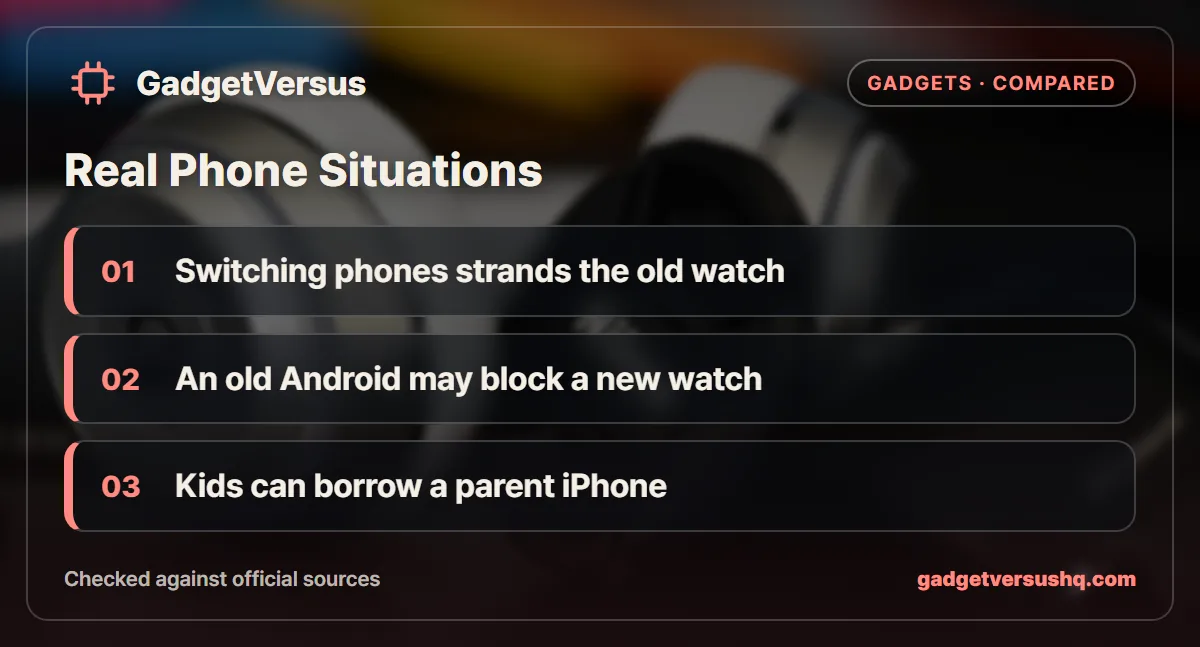
Situations make the rules easier to apply. Each case below uses only the vendor requirements in the table.
Case one: switching from iPhone to a Pixel phone. An Apple Watch owner moving to Android loses pairing, updates and notifications. The realistic options are selling the watch or keeping the old iPhone as a bridge.
Case two: an older Android phone. Someone whose phone is stuck on Android 11 can use a Pixel Watch 4, which lists Android 11.0 or newer. A Pixel Watch 5 asks for Android 12.0, and a Galaxy Watch8 also needs Android 12.0.
Case three: a child with an Android phone. Apple Watch For Your Kids lets a parent with an iPhone set up a cellular Apple Watch for a child who has no iPhone. The child Android phone plays no part in it.
The common thread is planning one step ahead. The watch you buy today decides which phone you can buy next.
The Family Setup Exception, Explained
Apple offers one route that skips the wearer owning an iPhone. Apple Watch For Your Kids, formerly called Family Setup, lets a parent or guardian set up a watch for a family member.
The setup still needs an iPhone, just not the wearer one. Apple lists a cellular Apple Watch and the parent iPhone for the initial setup.
A cellular plan is optional for setup. Apple says a plan is not required to set up the watch, but some features need one.
There are trade-offs. Apple notes that some features depend on a companion iPhone and are not available on a watch set up this way.
Choosing a Watch That Survives a Phone Switch
Cross-platform watches avoid the problem entirely. Garmin watches pair through the Garmin Connect app, which is published for both iPhone and Android.
That flexibility has a price in integration. A cross-platform watch cannot reply to messages or hook into the phone as deeply as a watch made by the phone maker.
Fitness-first buyers often do not miss that. If training data and battery life matter more than smart replies, see our Apple Watch vs Garmin comparison for where each one leads.
A simple tracker is another way out. Our guide to smartwatch vs fitness tracker covers when a basic band does the job.
Cellular Watches Do Not Change the Answer
An LTE watch sounds more independent, and in daily use it is. It can take calls and messages with the phone left at home.
Pairing is still tied to the phone platform. Google even says that for full talk, text and data, a Pixel Watch and its Android companion must use the same carrier network.
So cellular adds freedom on the run, not across ecosystems. Our explainer on LTE vs Bluetooth-only smartwatches covers what the extra monthly line buys.
Which Watch Fits Your Phone Plans
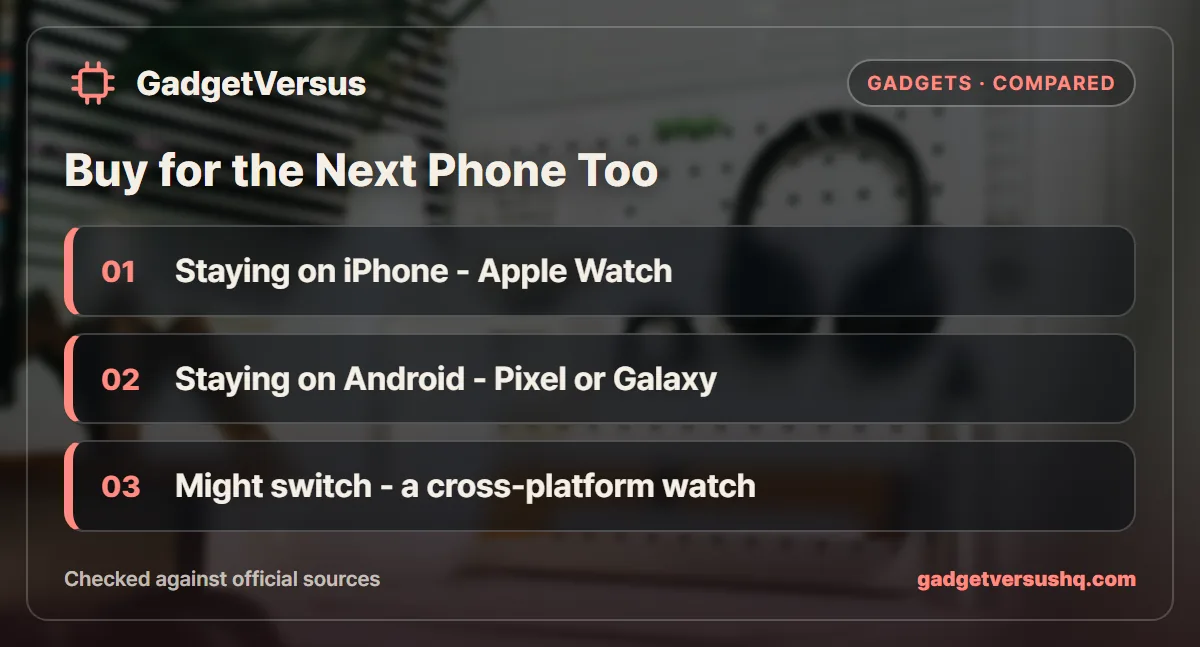
You are staying on iPhone for years: buy an Apple Watch. It is the only watch that uses the iPhone fully, and the lock-in costs you nothing if you never switch.
You are staying on Android: choose between Pixel Watch and Galaxy Watch, then check your phone version. Pixel Watch 5 needs Android 12.0, and the Galaxy Watch9 needs Android 13.0.
You might switch phones within two years: buy a cross-platform watch. A Garmin follows you across the switch, while an Apple or Galaxy watch may not.
You are buying for a child without an iPhone: consider Apple Watch For Your Kids if a parent uses an iPhone. Otherwise look at our guide to the best smartwatch for kids.
You are buying secondhand: confirm the exact model before paying. Older Galaxy watches paired with iPhones, but the Galaxy Watch4 and later do not.
A Quick Check Before You Buy
Look up your phone first, not the watch. Note the phone model and its current Android or iOS version.
Then open the vendor compatibility page for the watch. Apple, Google and Samsung each publish one, and they are updated with every new model.
Finally, ask whether you will keep the phone for the life of the watch. If the answer is unsure, the cross-platform option is the safe default.
FAQ
Can you pair an Apple Watch with an Android phone?
No. Apple sets up and updates Apple Watch through the Watch app on an iPhone, and its setup page lists an iPhone 11 or later for current models. There is no Android app that can pair or manage an Apple Watch.
Does the Pixel Watch work with an iPhone?
No. Google states on its Pixel Watch compatibility page that iPhones are not supported. Every Pixel Watch generation needs an Android phone, and newer models need a newer Android version.
Will a Samsung Galaxy Watch work with an iPhone?
Current models do not. Samsung says the Galaxy Watch4 through Watch8 series rely on Google Play services, which iOS does not support. Only older models such as the Galaxy Watch Active2 paired with an iPhone.
Can my child use an Apple Watch if they have an Android phone?
A cellular Apple Watch can be set up for a family member through Apple Watch For Your Kids, but it still needs a parent or guardian with an iPhone to do the setup and manage it. The child does not need their own iPhone.
What smartwatch works with both iPhone and Android?
Pick a watch whose app runs on both platforms, such as a Garmin, which pairs through the Garmin Connect app on iPhone or Android. Check the current app requirements on the vendor site before you buy.
Sources
- Apple Support: Set up your Apple Watch — checked 2026-11-10
- Apple Support: Update your Apple Watch — checked 2026-11-10
- Apple Support: Set up Apple Watch for a family member — checked 2026-11-10
- Google Pixel Watch Help: Compatibility requirements and region availability — checked 2026-11-10
- Samsung Canada: Phones compatible with your Samsung smartwatch — checked 2026-11-10
Some links may be affiliate links. We may earn a commission at no extra cost to you.
How this article was made: it was drafted with AI assistance from the official sources listed above, and its figures were checked against those pages on the dates shown. It is not based on personal hands-on testing.
Comments
Post a Comment